I'm Michael Collins, and this is the first of a monthly column for people running small businesses in West Cork.
Since 2024 I've run Wagyu Digital, which builds websites for local businesses like yours and helps them show up on Google.
Each month I'll take you through a few simple changes you can make, usually for free, that should help bring in more customers.
ADVERTISEMENT
As it's October, let's start with Christmas.
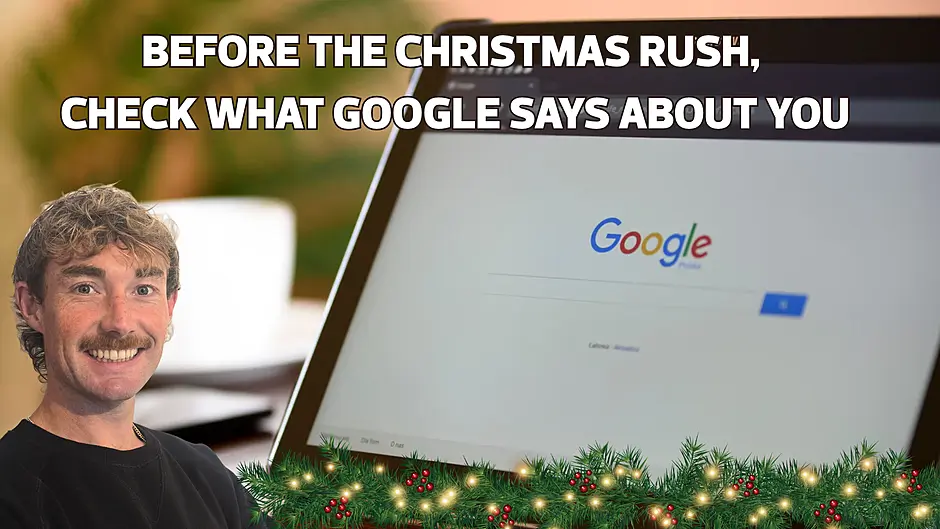
The first place to look is your Google Business Profile. Before anyone rings or calls in, they look you up on their phone, and if your details are out of date, you're off to a bad start.
So do what your customers do. Pick up your phone, search for your business on Google and tap every button: call, directions, website.
If no Business Profile comes up, setting one up is free and is the first job to do. If there's no website button, either it isn't added or you don't have a website yet.
If the button opens a Facebook page nobody has touched since the summer, that's what your customers see too.
Make sure your Christmas and New Year hours, and any special opening times, are listed so your customers know when you're open.
(Google lists these under "Special hours".)
While you're there, check that every way of contacting you is filled in, including your phone number, your website and, if your profile has the option, WhatsApp under "Chat".
Then tell people what you're selling this Christmas, and tell them early.
If you're a butcher taking turkey orders, put it on Facebook now with a photo and the date orders close.
A B&B with rooms free over New Year should be saying so while people are still making plans.
Add the same news to your Google Business Profile as well (click "Posts", then "Add post").
You can post a special offer or an event, like a late-night opening, and it shows on your profile in Google search and on Google Maps.
I'd rather see one clear post a week through November than ten in the week before Christmas.
In every post, say how to order. If people can message you on WhatsApp, tell them.
If they have to ring between nine and five, tell them that too.
Another great option is a dedicated page on your own website where people can see what's on offer and order or book at any hour.
Mention gift vouchers every time as well, if you sell them.
(Next month's column is all about vouchers.)
The job I'd do today is asking your customers for a review. People are in good form at Christmas and glad to help a local business they like. In your Business Profile, you'll find a shareable review link on your phone under "Get more reviews".
On a computer, you can also save an easy-to-scan QR code to print: click "Read reviews", then "Get more reviews", and save the code from there.
Text the link to customers after a job, or add it to the bottom of your emails. And ask people yourself when they're paying.
Google doesn't allow you to offer anything in return for a review, not even 10% off the next visit.
It also says not to pressure anyone into writing one while they're still with you, so keep the ask light: "We'd love to hear how you got on"is plenty. Reply to the reviews that come in, including any bad ones, and keep it short and polite.
If you only do one thing this week, print that QR code and put it on the counter or reception desk where people pay, with a small sign saying "The best Christmas gift you can give our business is your review."
Email me at [email protected] with anything you'd like me to cover, and I'll answer the most common questions here over the coming months.
Michael Collins, Wagyu Digital. See what I do at wagyudigital.com